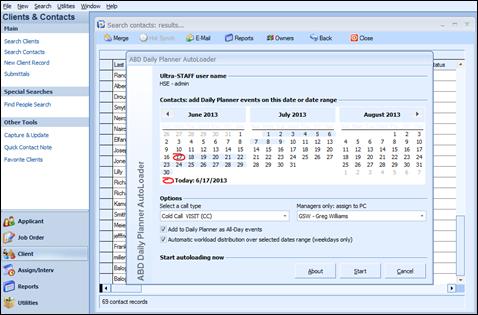
To utilize the Automatic workload distribution over selected dates range (weekdays only), check this option. Then, in the Calendar area, click a beginning date and drag over the date range for which the items are to be allocated. Then select the appropriate Call Type and PC Code (if a member of the Daily Planner Loader security group) and click the Start button to begin the process.
Daily Planner Loader with Automatic Workload Distribution
Once the process is complete, the Daily Planner will include the allocated items for each day within the range selected. Again the items are coded as “Contacts list (from Loader)” to avoid any confusion as to their origin, and they appear at the system default start time of 8:00 AM.
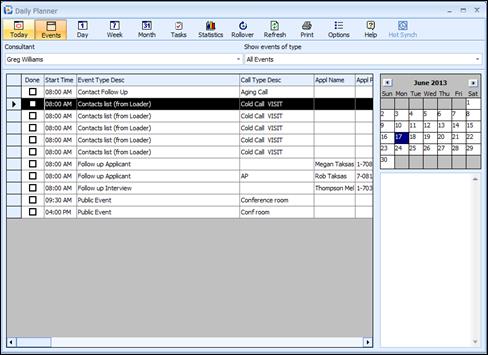
Consultant’s Daily Planner with Distributed events